
Introduce your business with your profile
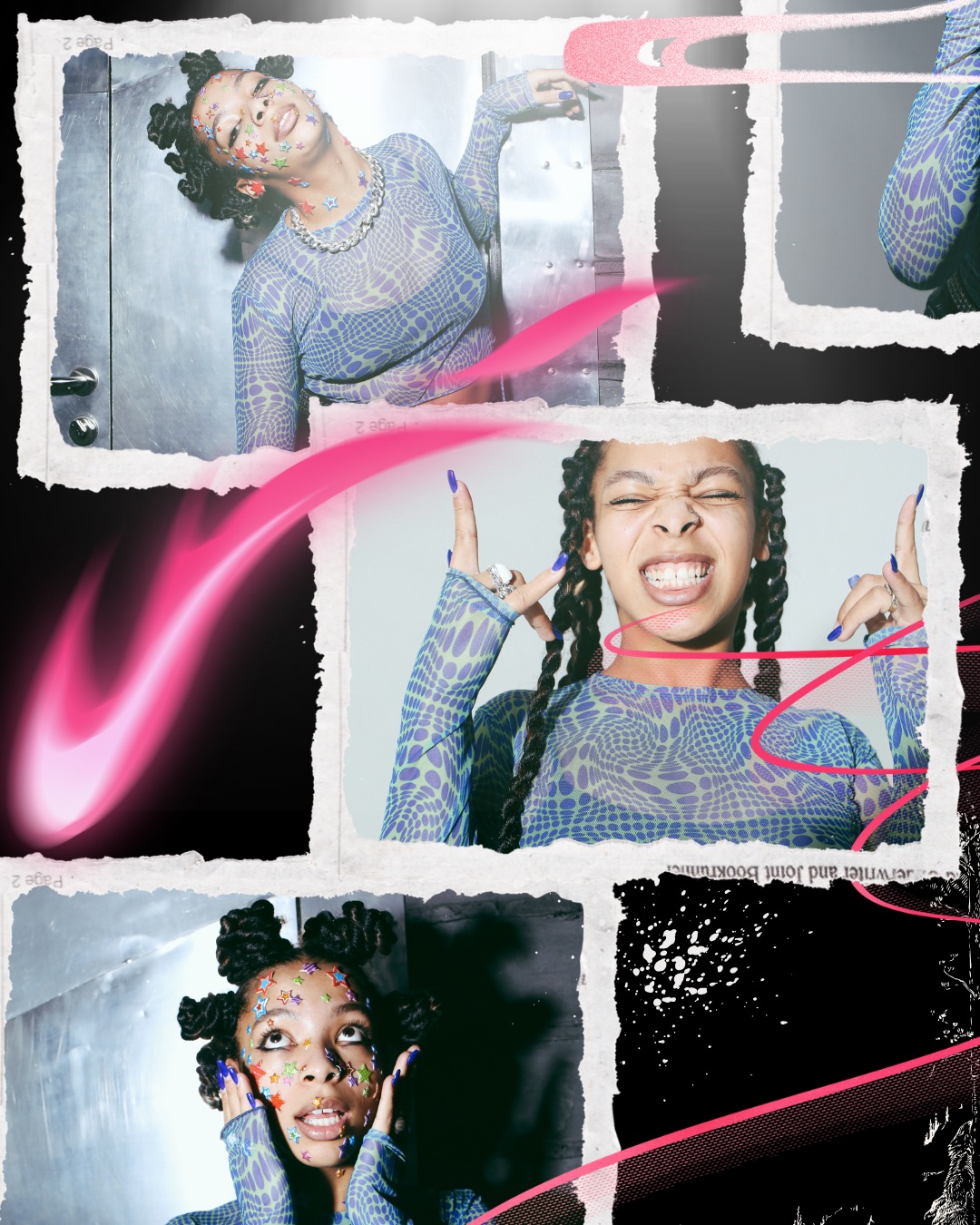
Your profile is the first place people go after they find you. Make it feel like you, with a video banner, a profile song and the tabs that show everything you post.






 19K
19K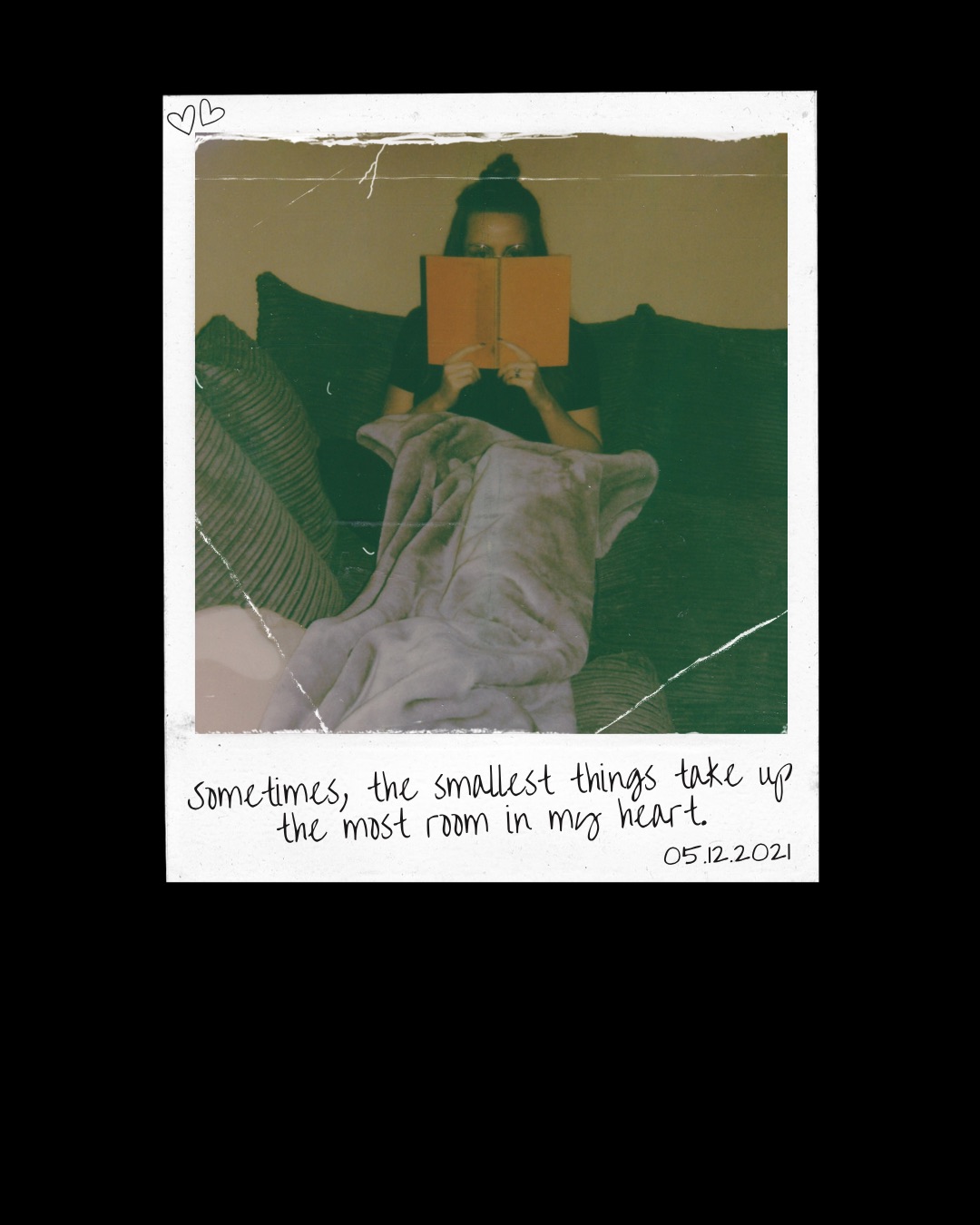 7.4K
7.4K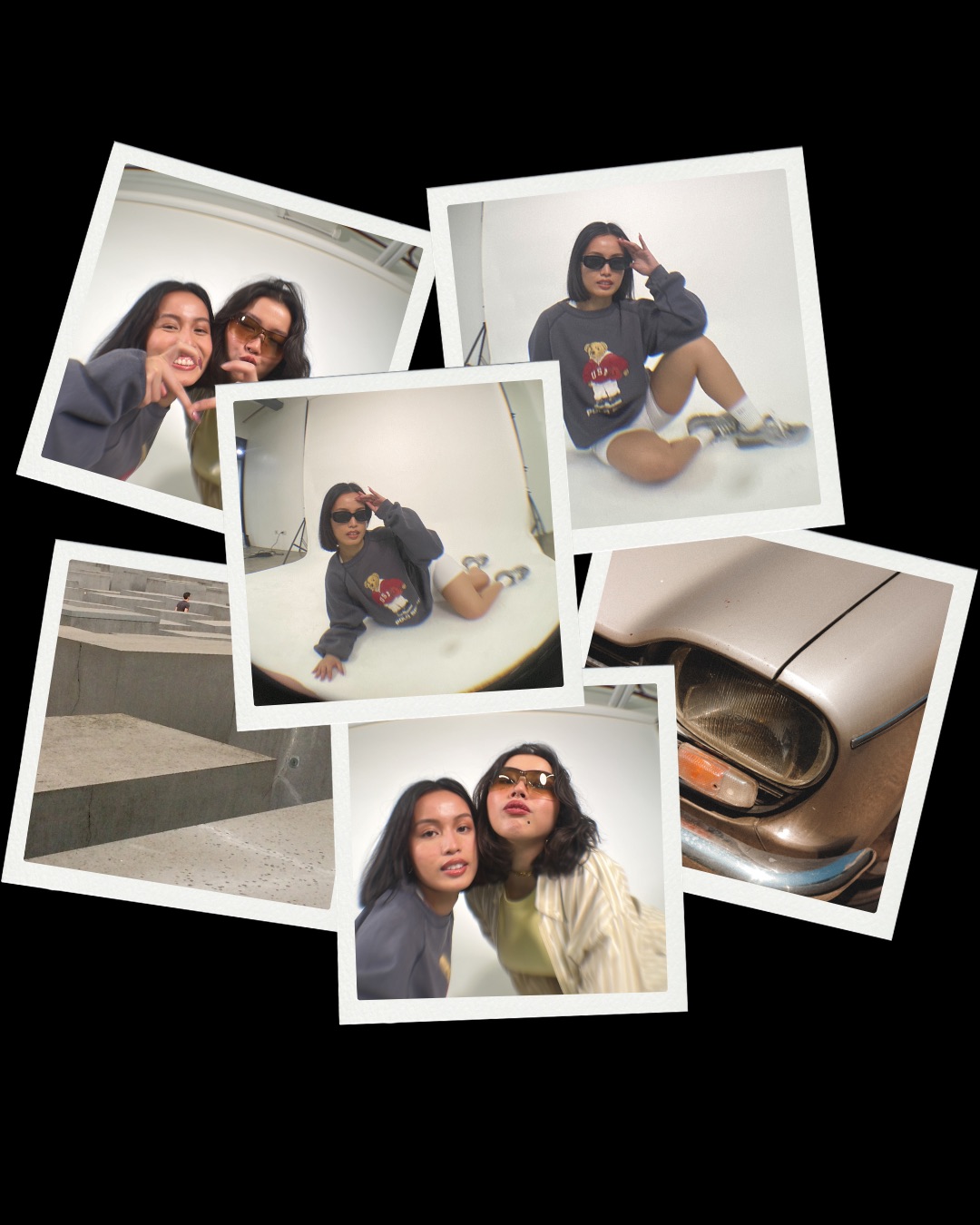 11K
11K Profile
Make the most of your profile
Everything in one place
Lore, Notes, Replies, Activity, Wall and Tagged tabs keep your Minis, whistles, replies and the posts you’re tagged in organized for anyone who taps your name.
Show your personality
Add About Me, pick your Top 8, use Show & Tell, set a Mood, and choose a Profile Track that plays when people visit. Cruise Control lets you queue a playlist of up to 40 songs.
Easy to find, easy to share
Add your link line so people can reach your store or site, and use Share Profile to send your profile or show its QR code anywhere.
Profile tips from Whistlr
Pro tip: Use a video profile banner so the top of your profile shows your products moving, not just a still photo.
Set the mood: Pick a Profile Track that fits your brand, and fill Cruise Control with up to 40 songs.

Your people first: Use Top 8 to spotlight the collaborators, suppliers and friends behind your business.
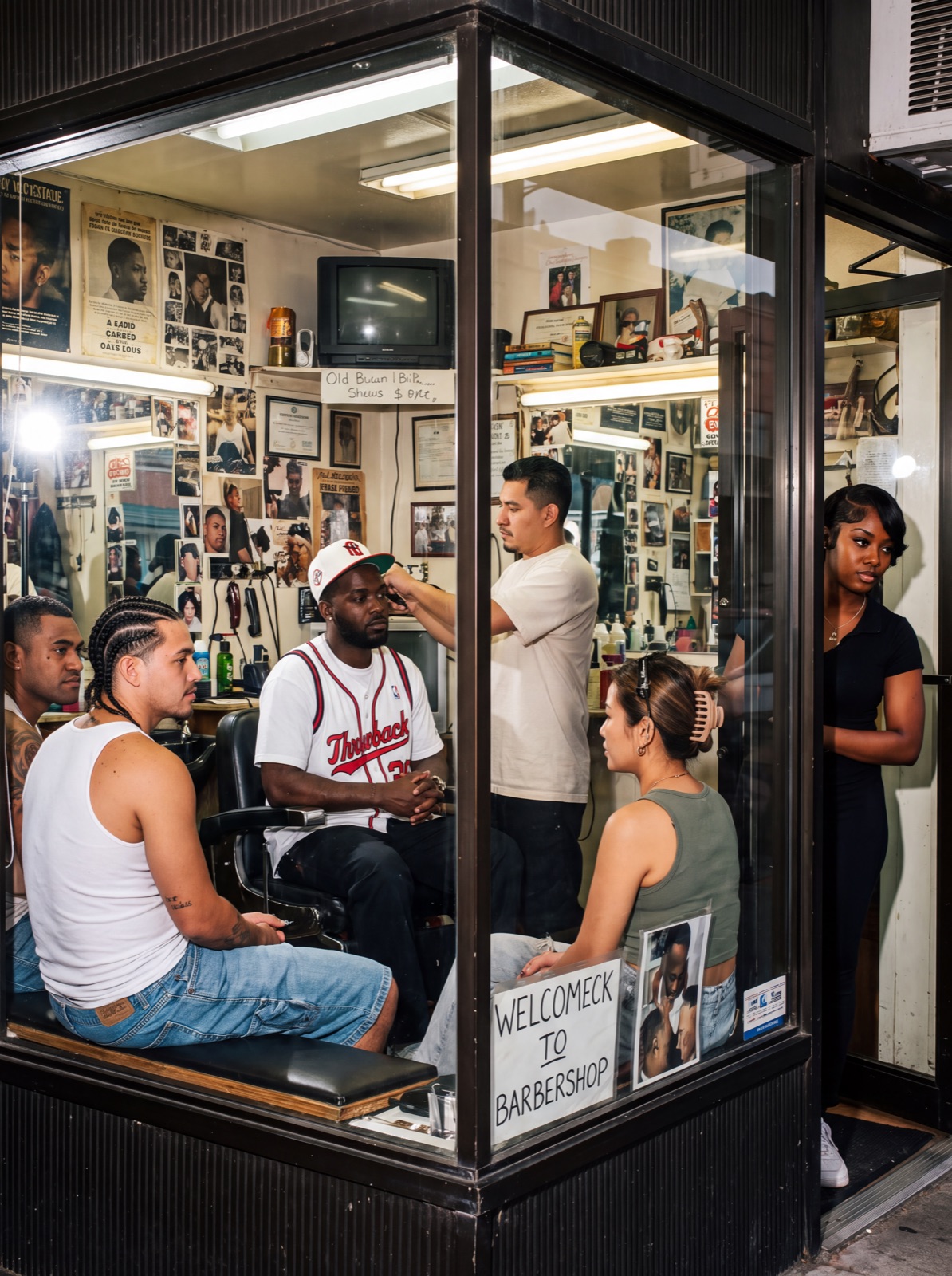
Take it offline: Open Share Profile and let people scan your QR code at markets, pop-ups and events.
Close Friends: Keep a Close Friends list for your most loyal customers and share some Stories with them only.
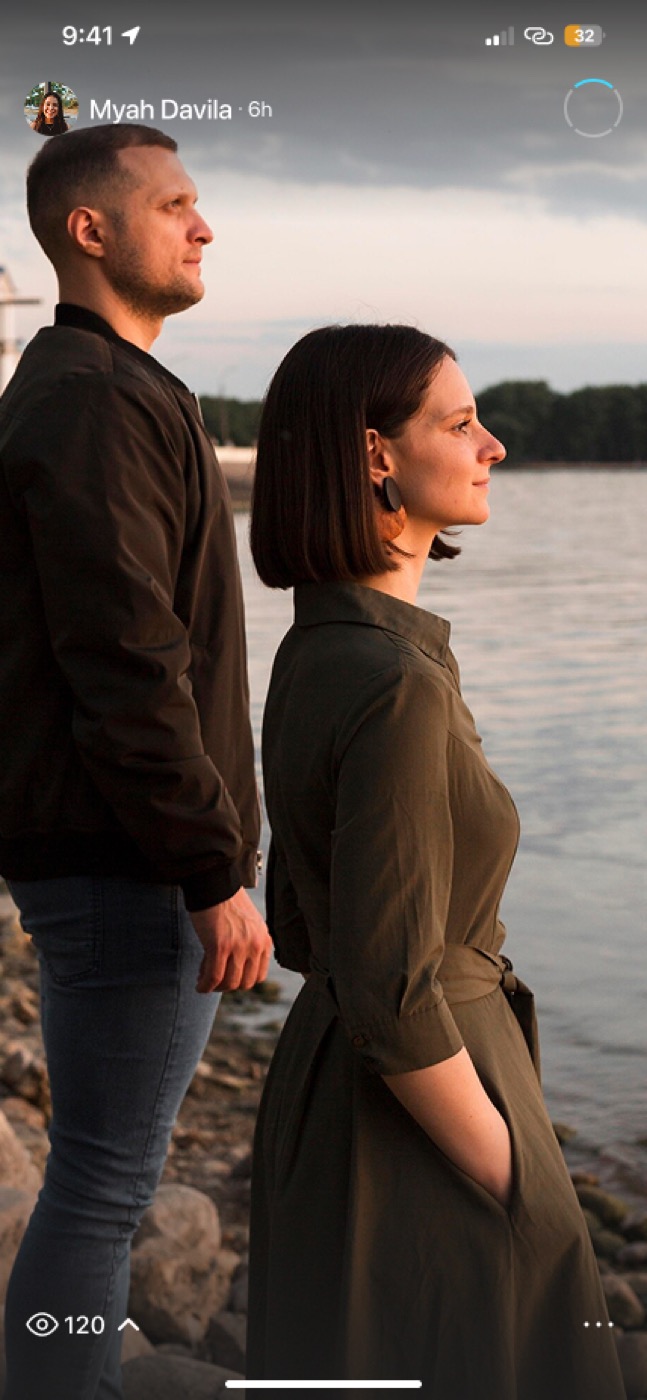
Lowkey: Check Lowkey to see who viewed your profile, then follow up with the people who keep coming back.
Questions?
How do I share my profile?
Tap Share Profile on your profile to send a link to your profile or show a QR code that people can scan with their phone camera.
Learn moreHow do I add a video banner?
Edit your profile and choose a video for your banner. It plays at the top of your profile in place of a still photo.
Learn moreCan I change the Whistlr app icon?
Yes. Whistlr lets you pick a custom app icon for your home screen from your settings.
Follow @whistlrnetwork
For the latest news, product updates, and essential tips.